Harness Training

Harness allows for you to simplify your developer experience with the world’s first AI augmented software delivery platform. As Harness can orchestrate workloads and power substantial software delivery capabilities, we want to partner with you in your learning of these capabilities. Harness Training is an opportunity to learn best practices and explore the art of the possible with Harness Engineers.
View Offerings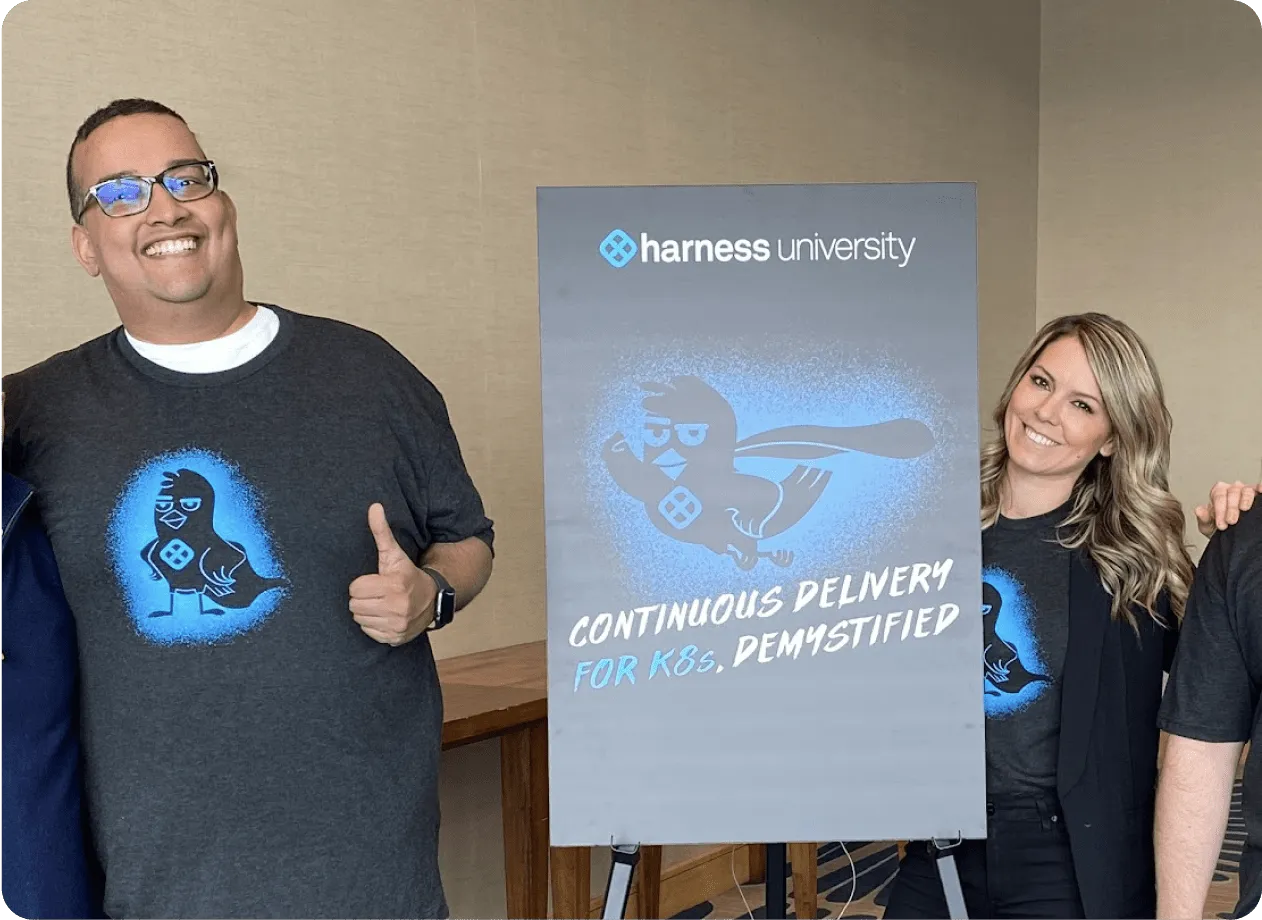
Why Harness Training
The equation for innovation in software delivery is part science and part art which you can paint with a wide brush. Core to Harness’s mission is to provide knowledge around the best practices in software delivery. Harness Training is designed to provide hands-on learning to further your knowledge in the Harness Modules which powers software delivery.
Each Harness Training has been created by Harness Engineers. If taking one of our Instructor-Led formats, the training will be led by a Harness Engineer.
What you get with
Harness Training
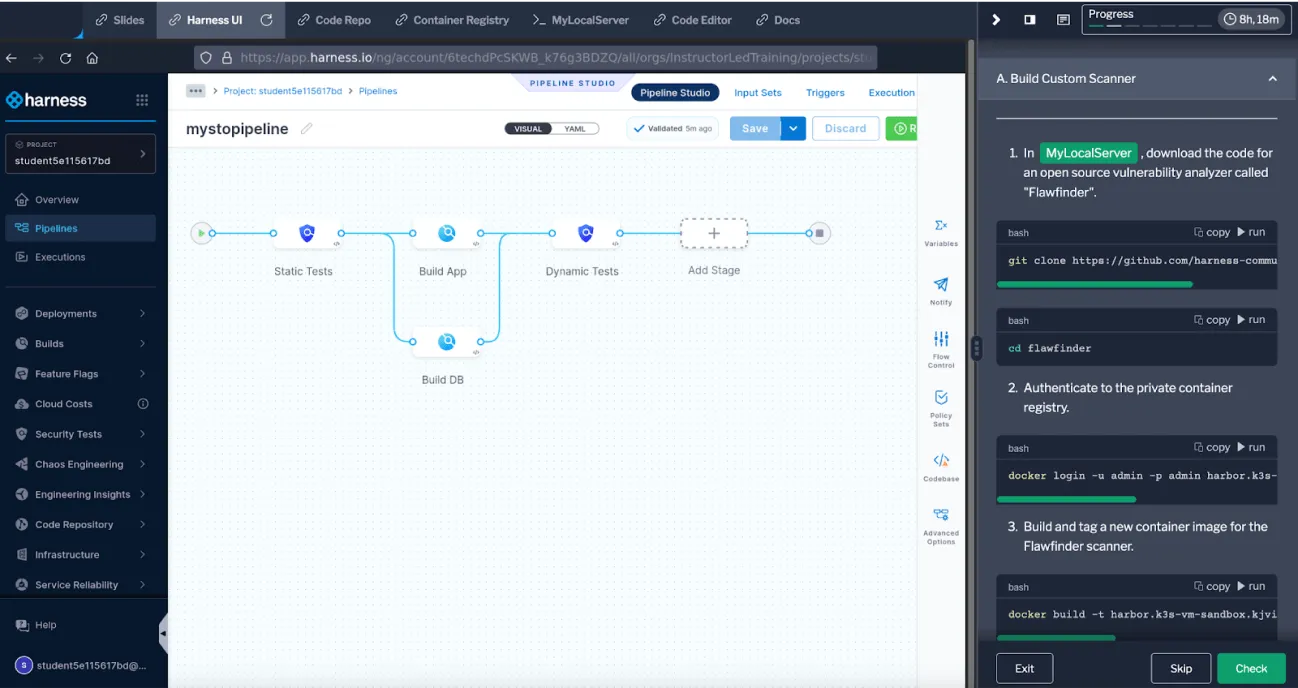
Every Harness Instructor-Led Training includes hands-on exercises in a Harness Module and a complementary pre-requisite course focusing on the Harness Platform itself. Each training you will receive material that is used as a leave behind. You will be provided with ephemeral cloud resources and an ephemeral Harness Account for the duration of the training to experiment and learn in.
We support training in three formats which include self-paced and instructor-led trainings.

Self-Paced Training
Self-paced trainings are accessible virtually, delivered in a self-paced video format.
Self-Paced Training Catalog ->
Shared Instructor-Led Training
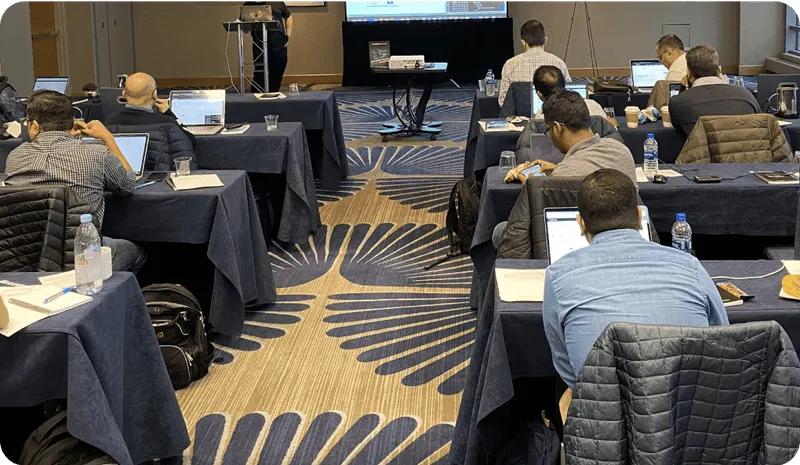
Shared trainings are held virtually in a shared class format, delivered by a live Harness Engineer.

Dedicated Instructor-Led Training
Dedicated trainings can be held either virtually or onsite in a dedicated class format, delivered by a live Harness Engineer. Contact us to learn more about availability.
Contact us ->
Validate Your Learnings with Certifications
To validate and celebrate your knowledge, consider taking one of Harness’s Certifications by becoming a Harness Certified Expert.
View Certifications ->Harness Training / Educational Offerings
Our catalog of Harness led Training and Educational Offerings.
Harness Platform
Instructor-Led Training [ILT]
Each ILT course is purpose built for a specific Harness module with technical content and hands-on labs. Our instructors are expert resources in Harness Modules. The instructors are also the creators of the Harness Certified Expert series of certifications.
Instructor-Led Offering
Duration
Class Size
Harness University: Instructor-Led Training, Dedicated [Virtual or On-site]
2 Business Days Per Module.
12 Students Included.
Harness University: Harness Orientation, Dedicated [Virtual or On-site]
4 hours.
20 Students Included.
Harness ILT Modules
Each ILT course is purpose built for a specific Harness module with technical content and hands-on labs. Our instructors are expert resources in Harness Modules. The instructors are also the creators of the Harness Certified Expert series of certifications.
Module / Course
Topics Covered
Continuous Delivery & GitOps
- Manifests, Artifacts, Kubernetes Infrastructure, Service and Env Variables, Overrides, Executions, Multi Service, Multi Environment, Deployment Strategies.
- Triggers, Conditional Executions, Failure Strategies.
- Git Experience, Terraform, Templates, Pipeline Chaining.
- Governance RBAC, Audit Trail, SSO, Automation, Tags, Dashboards.
Continuous Integration
- CI build infrastructure, code base management / trunk-based development, triggers, Test Splitting.
- Reports, security scans, publishing.
- Cache Intelligence, Test Intelligence, Docker Layer Caching.
- Git Experience, templates, platform operations.
Security Testing Orchestration
- Setting up STO for your first scan leveraging a SAST tool.
- Scanning repos for sensitive information and SCA analysis.
- Extending SCA into Container Scanning and DAST Testing.
- Custom scan modes and integrating STO to workflows.
- Troubleshooting and scaling STO with governance and templating.
Software Engineering Insights
- Introduction to SEI and overview of types of metrics and dashboards SEI can provide.
- Create Workflow, Investment, and Trellis Profiles.
- Manage Collections and Categories.
- Create DORA metrics Insights.
- Create Trellis Score Insights.
- Create Sprint metrics Insights.
- Create Business Alignment Insights.
Cloud Cost Management
- Set up CCM and explore ingested cloud cost data.
- Configure and maintain cost reporting perspectives.
- Manage cost categories and CCM dashboards.
- Take action on CCM recommendations and cost trends.
- Enforce policies around resource usage and cloud cost budgeting.
- CCM integrations, APIs, and Terraform modules.
Internal Developer Portal
- IDP Overview & Modules Used (IDP, CD, Code).
- Catalog Kind Concepts (Component, Group, Template).
- Workflow Templates using Harness Code.
- Short-lived Secret Workflow Templates.
- Scorecards.
- Links in Software Components.
- Plugins.
- Open Policy Agents (OPA) and Integration.
Infrastructure as Code Management
- Intro to Harness IaCM and Terraform/OpenTofu review.
- Manage IaCM workspaces and connect to IaCM pipelines.
- Detect and reconcile IaC configuration drift.
- Configure remote backends, and migrate state between backends.
- Enforce policies around infrastructure resource usage and costs.
- IaC configuration security scanning and best practices.
Chaos Engineering
- Set up CE and explore automated setup capabilities.
- Configure and execute chaos experiments in Kubernetes.
- Run experiments against cloud providers like AWS.
- Integrate CE experiments in CD pipelines.
- Upgrade experiments, acceptance, and rollouts.
- Complete Chaos Engineering developer workflow.
Supply Chain Security
- Introduction to SCS and repository security posture management.
- Integrate CI/CD security posture management into SCS.
- Setup remediation tracks, resolve SBOM drift.
- Create remediation trackers, follow the execution of CVE in the space.
Code Repository
- Create a CR repository.
- Clone a CR repository.
- Import repositories from other SCMs.
- Pull requests.
- Triggering pipelines.
- Security and code quality.
- Archiving and deleting repositories.
Database DevOps
- Configuring ChangeLogs and ChangeSets.
- Migrating DB changes with DBDO.
- Rolling back a DB.
- Deploy DBDO Resources with an IaC.
- Create policies with OPA.
Feature Management & Experimentation
- Introduction to FME.
- How to wire source code to FME SDKs.
- Create a hypothesis and experiment.
- Explore RUM Events and Data Hub.
- Create guardrails.
- Explore webhook alerts.
Harness Orientation
- Harness Organizational Structure.
- Delegate strategy and practices.
- Templating options.
- Automation options.